
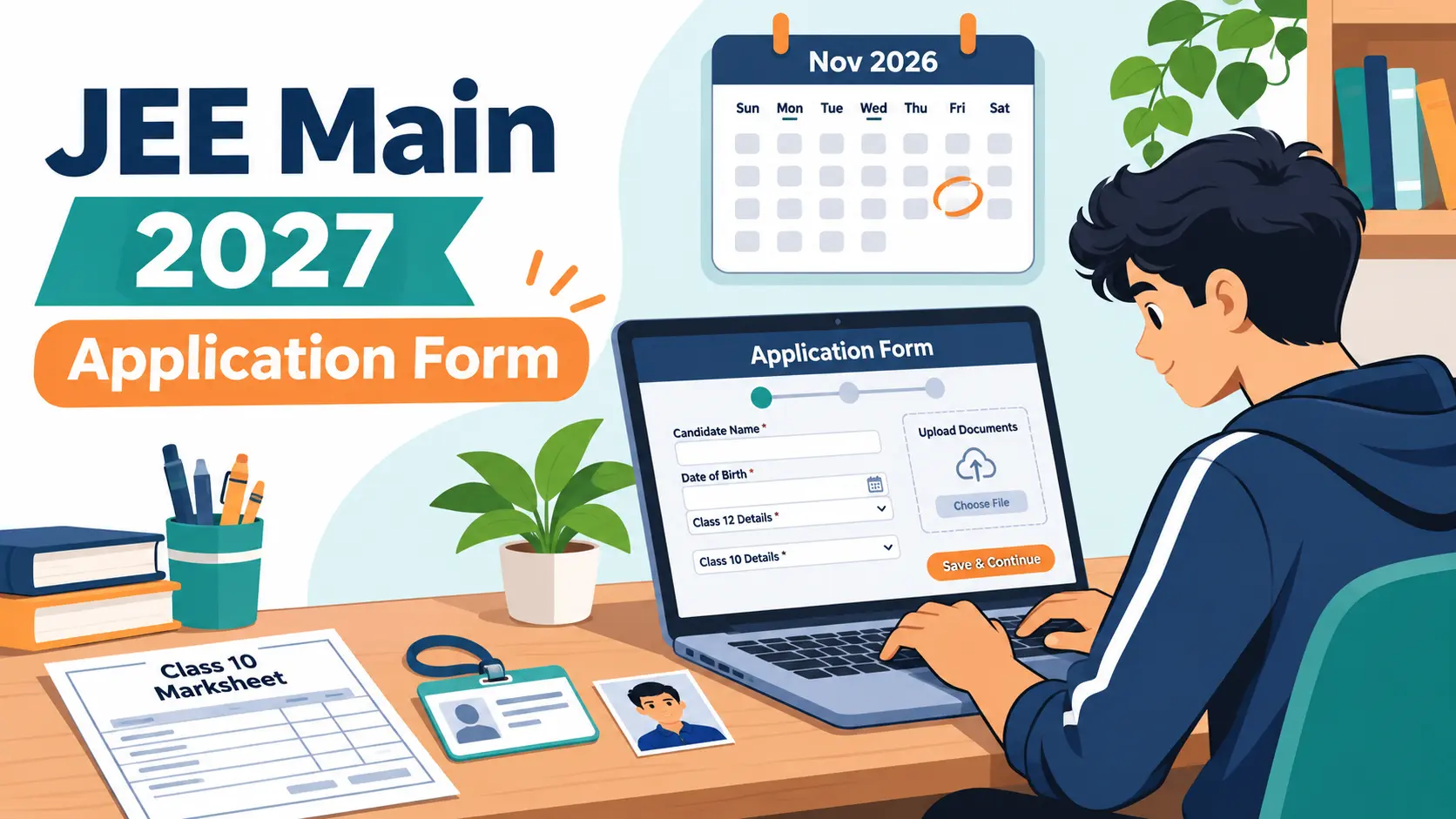
The JEE Main 2027 application form for Session 1 is open, and the last date is 22 November 2026. Filling it in takes under an hour if you have your documents ready, but small errors such as a blurry photo, a name that doesn’t match your Class 10 marksheet or an exam city in the wrong state can cause real trouble later, and some fields can’t be fixed after you submit.
This guide walks you through the JEE Main 2027 application form step by step: the key dates, the documents and photo specifications, the fees, the correction window and the mistakes students make most often. Every date and figure here is taken from the official JEE (Main) 2027 Information Bulletin published by the National Testing Agency (NTA).
JEE Main 2027 Key Dates
| Event | Session 1 (January) | Session 2 (April) |
|---|---|---|
| Online application | 24 Oct – 22 Nov 2026 (till 11:50 pm) | 5 Jan – 3 Feb 2027 |
| Late fee window (+₹500) | 23 – 26 Nov 2026 | 4 – 7 Feb 2027 |
| Correction window | 27 – 29 Nov 2026 | 8 – 10 Feb 2027 |
| City intimation slip | 30 Dec 2026 | 12 Mar 2027 |
| Admit card | 13 Jan 2027 | 25 Mar 2027 |
| Exam dates | 20, 21, 22, 23, 24 and 28 Jan 2027 | 2 – 7 Apr 2027 |
Session 2 has its own application form. You don’t apply for April while filling the January form, so apply for Session 1 now even if you plan to take both. Your best NTA score across the two sessions counts for the merit list.
Who Can Apply?
There is no age limit for JEE Main. You are eligible if you passed Class 12 (or an equivalent exam) in 2025 or 2026, or if you are appearing in 2027. If you passed Class 12 in 2024 or earlier, you can’t apply. Individual institutes and JoSAA counselling set their own admission rules, including Class 12 marks requirements for NITs and IIITs, so check those separately.
Documents and Photo Specifications
Keep these ready before you start, because the form can time out while you hunt for a file:
| Upload | Format | Size |
|---|---|---|
| Recent colour photograph (white background, about 80% face including ears, no mask) | JPG/JPEG | 10 – 200 KB |
| Signature | JPG/JPEG | 10 – 100 KB |
| Class 10 certificate or marksheet | 50 – 300 KB | |
| PwD/UDID certificate (if applicable) | 50 – 300 KB |
You’ll also need your Aadhaar (or another accepted ID), your own active mobile number and email address, your category certificate if you’re claiming Gen-EWS, OBC-NCL, SC or ST, and a way to pay online. The form also captures a live photo through your webcam or phone camera, so do it somewhere with good light.
How to Fill the JEE Main 2027 Application Form: Step by Step
Apply only on the official website, jeemain.nta.nic.in. NTA’s bulletin breaks the process into four steps.
Step 1: Register and Verify Your Identity
This year, registration runs through MeriPehchaan, the government’s single sign-on platform. You verify your identity through eKYC using Aadhaar, PAN, a driving licence or your APAAR ID, and details such as your name, date of birth and gender are pulled from that record. If you don’t have an APAAR ID yet, our APAAR ID guide for students explains how to get one. Note down the system-generated Application Number and keep your password safe.
Step 2: Fill in Your Details and Upload Documents
Log in with your Application Number and password. Enter your parents’ names, address, educational details, the paper you’re applying for (Paper 1 for B.E./B.Tech), the medium of the question paper and your four exam city choices, then upload the files listed above. Exam cities are limited to the state of your permanent or present address.
Step 3: Pay the Application Fee
The fee is paid online only, by net banking, debit card, credit card or UPI. Processing charges and GST are added on top.
| Category (exam centres in India) | Male | Female |
|---|---|---|
| General | ₹1,000 | ₹800 |
| Gen-EWS / OBC (NCL) | ₹900 | ₹800 |
| SC / ST / PwD | ₹500 | ₹500 |
| Third gender | ₹500 | |
Step 4: Download and Print the Confirmation Page
Your application is complete only when the fee is paid and the confirmation page is generated. Download it, print it, and keep both copies until admissions are over. You’ll need your Application Number for the city slip, admit card and result.

7 Mistakes to Avoid in the JEE Main Application Form
- Name or date of birth mismatch. Your details should match your Class 10 certificate and ID. If Aadhaar has an old spelling or a wrong date, get it updated before you apply.
- Filling more than one form. Only one application per candidate is allowed. Multiple forms can lead to cancellation, and appearing more than once is treated as unfair means.
- A poor photograph. A selfie, a coloured background, a cap or spectacles with glare can get your photo flagged. Use a recent studio-style photo with a white background.
- Using a friend’s or cyber café’s phone number. Every update from NTA reaches the registered mobile and email. Use your own or a parent’s.
- Choosing the wrong category. Claim Gen-EWS or OBC-NCL only if you have a valid certificate. You’ll need it again during counselling.
- Picking the medium of exam carelessly. The paper is offered in 13 languages, and the medium can’t be changed after the correction window closes.
- Leaving it to the last day. Servers slow down near the deadline and payments can fail. Finish a week early so you have time to fix problems.
The Correction Window: What You Can and Can’t Change
For Session 1, the correction window runs from 27 to 29 November 2026. It’s a one-time facility, and you can edit only the fields NTA enables, which are announced when the window opens. Any PwD claim must be made before the window closes. Treat the correction window as a safety net, not a plan: check every field carefully before you pay.
Use the readiness checker below to compare your details across documents, test your file sizes and work out your fee before you start.

After You Apply: Back to Preparation
Once the form is in, there are about eleven weeks until the January exams, and your pre-boards fall in the same stretch. Our guide on how to balance JEE and board exams shows how to split your time, and the 6-week pre-board revision plan fits alongside it. For high-weightage chapters, start with our Class 12 electrostatics notes and integration techniques, and keep the Class 12 NCERT Solutions close, since JEE Main questions are built on NCERT concepts.
Studying without coaching? These strategies to crack entrance exams without coaching will help you plan the remaining weeks.
Frequently Asked Questions
For Session 1, the last date is 22 November 2026 (till 11:50 pm). You can still apply with a ₹500 late fee from 23 to 26 November 2026. Session 2 applications open separately from 5 January to 3 February 2027.
Registration uses eKYC through MeriPehchaan, which accepts Aadhaar, PAN, a driving licence or an APAAR ID. Aadhaar is the most common option. Make sure your name, date of birth and photo are up to date on whichever ID you use.
Only if NTA enables that field in the correction window (27 to 29 November 2026 for Session 1). The correction is a one-time facility, so choose your four cities carefully. Cities are limited to the state of your permanent or present address.
Final Takeaway
The JEE Main 2027 application form is simple if you prepare for it: get your ID and documents in order, use a proper photo, check that every detail matches your Class 10 records, and submit well before 22 November. Then print the confirmation page and get back to studying.
Download the application checklist, readiness checker and key dates planner above, and use our Study Material and Revision Notes for the weeks between now and the exam.
Leave a Reply