
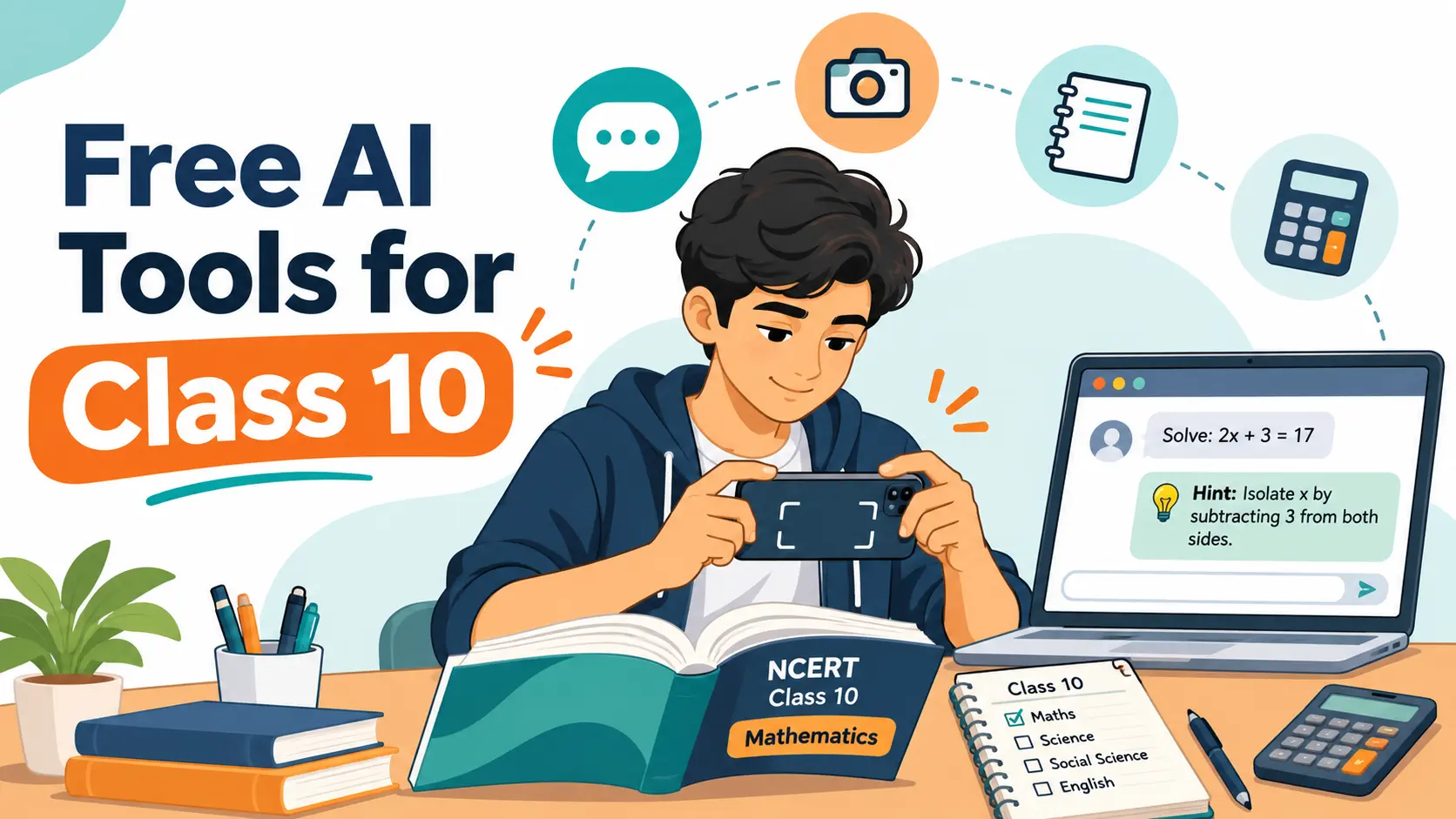
Class 10 students today have more free AI help than any batch before them. Snap a maths problem and get the steps; ask about refraction at 11 pm and get an explanation in seconds. The catch is that free AI tools for Class 10 students don’t all work the same way, and none of them is right every time. A wrong method in a Maths answer or a fact that isn’t in the NCERT book can cost you marks in the board exam.
This guide covers the free AI tools for Class 10 students that are worth your time: what each one is best for, where it tends to slip, and the age rules that apply. Instead of trusting anyone’s ranking, including mine, you’ll also get a simple 10-question test you can run on any tool with real CBSE questions, so you can see for yourself which one to rely on.
First, the Age Rules
Most Class 10 students are 15 or 16, which matters because AI tools set minimum ages in their terms. As of October 2026, ChatGPT, Google’s Gemini, Microsoft Copilot and Perplexity set 13 as the minimum (or a higher age if a country requires it), and ChatGPT asks under-18 users to have a parent’s or guardian’s permission, according to this comparison of AI app age limits. Use these tools with your parents’ knowledge, and if your school gives you a school account, use that instead of a personal one, because school accounts often come with extra safeguards.
The Best Free AI Tools for Class 10 Students
1. ChatGPT with Study Mode: Best for Concept Doubts
ChatGPT’s free plan includes study mode, which OpenAI launched in July 2025. Choose “Study and learn” from the tools menu and, instead of handing you the answer, it asks guiding questions, gives hints and checks your understanding with short quizzes. That makes it good for “why” doubts in Science and for practising Maths step by step.
Watch out for long calculations, where it can make arithmetic slips, and for methods that differ from NCERT. Also watch whether it simply agrees with you when your question contains a mistake; the test below includes a trap question for exactly this.
2. Gemini with Guided Learning: Best for Visual Explanations
Google’s Gemini app has a Guided Learning mode that works much like ChatGPT’s study mode: it walks you through a problem, checks whether you’re following, and can add images and videos to an explanation. Diagrams make it useful for topics like the human eye, electric circuits or the carbon cycle. Like any chatbot, it can state a wrong fact confidently, so check anything you plan to write in an answer against your textbook.
3. NotebookLM: Best for Social Science and Revision
NotebookLM is different: it answers from documents you upload instead of from the whole internet. Google opened it to users aged 13 and above in August 2025, with stricter content rules for under-18s. Upload an NCERT chapter PDF and ask it for a summary, key terms or practice questions, and its answers point back to the page they came from. Because it sticks to your sources, it’s the best choice here for History, Geography, Civics and Economics, where the NCERT wording matters.
4. Photomath: Best for Checking Maths Steps
Point your camera at a printed or handwritten Maths problem and Photomath shows the solution step by step. Its free tier covers step-by-step solutions; the paid Plus plan adds animated walkthroughs and textbook-specific solutions. It’s strongest on algebra, linear equations and quadratics, and weaker on word problems. Use it to check your working after you’ve solved a problem, not before.
5. Google Lens: Best for Quick Look-Ups
Google Lens lets you photograph a question or diagram and find explanations and similar problems on the web. It’s quick, but it brings back answers from many sites of mixed quality, so treat it as a starting point rather than an answer key.
6. Wolfram|Alpha: Best for Verifying Answers
Wolfram|Alpha computes answers rather than predicting text, so it’s very reliable for final numerical answers: roots of a quadratic, a trigonometric value, the distance between two points. Full step-by-step solutions are a paid Pro feature, but the free answer is enough to confirm whether your own working is right.
| Tool | Best for | Free plan | Watch out for |
|---|---|---|---|
| ChatGPT (study mode) | Concept doubts, guided practice | Yes, with limits | Arithmetic slips, non-NCERT methods |
| Gemini (Guided Learning) | Visual explanations, diagrams | Yes, with limits | Confident wrong facts |
| NotebookLM | SST, chapter summaries from NCERT PDFs | Yes | Only as good as the files you upload |
| Photomath | Checking Maths steps | Step-by-step solutions free | Word problems |
| Google Lens | Quick look-ups | Yes | Answers from mixed-quality sites |
| Wolfram|Alpha | Verifying numerical answers | Answers free; steps need Pro | Not built for theory answers |

How to Test Any AI Tool on CBSE Questions
Rankings go out of date as these tools change every few months. A better approach is to test them yourself with questions you can check against NCERT. It takes about 30 minutes per tool:
- 1. Use the same 10 questions for every tool. Mix Maths, Science and Social Science, and include at least one numerical, one diagram-based and one definition question. Our test kit has a ready-made set with answers.
- 2. Add a trap question. Ask something with a built-in mistake, such as “Explain why the sum of the zeroes of x² − 5x + 6 is −5.” A good tool corrects you (the sum is 5); a weak one invents a reason.
- 3. Score three things. Is the final answer right? Are the steps clear and complete? Does it use the NCERT method and terms?
- 4. Check every answer against NCERT. Use your textbook and the Class 10 NCERT Solutions as the answer key, never another AI.
Record the scores in the scorecard below and compare tools subject by subject. You’ll usually find that one tool is better for Maths and another for Social Science, which is far more useful than a single overall winner.
Using AI for Maths and Science Doubts the Right Way
The order matters more than the tool. Try the problem yourself first, then ask for a hint, and only check the full solution at the end. If you start with the answer, you’ll understand it while reading it and forget it by the exam. A few habits help:
- Tell it your class and board. “I’m a CBSE Class 10 student” keeps explanations at the right level and closer to NCERT.
- Ask for hints, not answers. Study mode and Guided Learning do this by default.
- Ask “why” twice. If you can’t explain the second answer in your own words, you haven’t understood the first.
- Make it quiz you. Our guide on how to use AI to make practice questions has prompts that work with any of these tools.
For chapters with lots of equations, such as chemical reactions and equations, balance the equation yourself and only then check it. For more on maths-specific tools, see our roundup of the best AI tools for solving maths problems.
Safe and Honest Use
Free AI tools are meant to support your learning, not replace it. A few ground rules keep them that way:
- Don’t share personal details. Leave out your full name, school, phone number, address and photos of yourself.
- Never submit AI-written work as your own. Our take on whether using ChatGPT for homework is cheating explains where the line is.
- Set a time limit. An AI chat can turn into an hour of drifting. Our guide to digital minimalism for students has practical ways to keep screen time in check.
- Keep tests AI-free. The board exam has no chatbot. Practise with full sample papers on paper, and use AI only afterwards to understand mistakes.
Parents can use the safe-use checklist below to agree on which tools, settings and time limits work for your family.

Where AI Fits in Your Board Exam Plan
AI is most useful in the middle of your preparation: after you’ve studied a chapter and before you take a full test. Our Class 10 board exam 2027 month-by-month timeline shows where each phase falls. If you use AI to check written answers, read our comparison of AI answer checkers vs CBSE examiner grading first, because AI marking doesn’t follow the CBSE step-marking scheme.
Frequently Asked Questions
There isn’t one best tool. A chatbot with a study mode, such as ChatGPT or Gemini, is good for concept doubts; NotebookLM is good for Social Science because it answers from the NCERT chapters you upload; Photomath and Wolfram|Alpha are good for checking Maths. Test them on the same CBSE questions to see which works best for you.
Often, but not always. They can make calculation slips, use methods that differ from NCERT, or agree with a mistake in your question. Always check answers against your NCERT textbook before you rely on them.
OpenAI’s terms set a minimum age of 13, and users under 18 need a parent’s or guardian’s permission. Other tools have similar rules, so use them with your parents’ knowledge.
Final Takeaway
The best free AI tools for Class 10 students are the ones you’ve tested and learned to check. Use a study-mode chatbot for doubts, NotebookLM for Social Science, and Photomath or Wolfram|Alpha to verify Maths. Keep NCERT as your answer key and the board exam as your goal.
Download the test kit, scorecard and safe-use checklist above, and keep our Study Material and Revision Notes handy for checking what AI tells you.
Leave a Reply